From navigation to parking, the apps that make every drive easier

TL;DR: What are the best car apps?

Many of the best apps for cars are free:

  • Waze for navigation and live traffic
  • PetrolPrices for finding the cheapest fuel nearby
  • Zapmap or PlugShare for EV charging
  • JustPark for parking
  • Vehicle Smart for staying on top of your car admin
  • what3words for sharing your exact location in an emergency

But there are also some paid for apps which are handy to have:

  • Spotify or Netflix subscriptions can make long journeys far more bearable for everyone on board
  • Premium upgrades to unlock extra features in some of the free to download apps

And if you’re driving a newer car, don’t forget your manufacturer’s own app, which often lets you control features like charging, climate and locking remotely.

The apps you need for your car

The right car apps can take a lot of the hassle out of driving, whether you’re nipping to the shops, commuting to work or heading off on a family road trip.

Let’s face it, keeping on top of everything can feel like a full-time job. From fuel or charging to traffic, parking and MOT reminders, there’s always something.

The good news? Most of it can now be handled from your phone, and a lot of the best apps won’t cost you a penny.

Some are worth paying for, though.

So we’ve done the research and split our picks into two camps: The best free car apps, and the paid apps (and premium upgrades) that earn their spot on your home screen.

And if you’re driving a newer car, there’s one app you might already have access to without realising it. Most manufacturers now have their own app, letting you check your charge, warm up the cabin or lock your car without even leaving the sofa.

All you need is a smartphone, and with Apple CarPlay or Android Auto now standard on most new cars, plenty of these apps will appear right on your dashboard.

Let’s jump in.
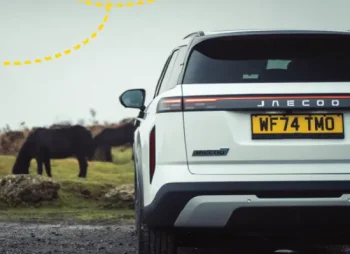
JAECOO E5

The apps you NEED to know about

The best free car apps

Let’s start with the apps that won’t cost you a penny to download. Between them, these free car apps cover the everyday stuff: Getting from A to B, filling up or charging, finding somewhere to park and staying on top of your car admin.

Best free navigation and traffic apps

When it comes to car navigation apps, there are three big names worth knowing.

Google Maps

Reliable all-rounder, real-time traffic, multi-stop routes

Google Maps comes pre-installed on most Android phones. It gives you real-time traffic updates and lets you plan routes with multiple stops.

It’s one of the simpler options, but it does exactly what it needs to do.

Apple Maps

Pre-installed on iPhone, live traffic, smooth CarPlay integration

Apple Maps comes pre-installed on iPhones, with live traffic updates and voice guidance as standard.

It’s come a long way in recent years and is now a genuinely solid choice for iPhone users. Its Apple CarPlay integration is also one of the smoothest around.

Waze

Community-reported hazards, speed cameras, instant rerouting

Waze takes a more community-led approach.

It uses live reports from other drivers to reroute you around traffic, roadworks and road incidents as they happen. It also tells you when you’ll arrive and flags speed cameras along the way. We should never speed, of course, but that speedometer can creep up without you noticing.

If you regularly drive at rush hour, this is the one to go for.

Our top pick: Waze

Best free fuel apps

PetrolPrices

Compares local fuel prices, filter by fuel type and brand, price alerts

With fuel prices changing what feels like every week, it pays to know where the cheapest pump is.

Simply enter your postcode, fuel type and preferred brand, and PetrolPrices will show you the prices at stations near you, highlighting the cheapest. You can even sign up for alerts, so you’re never overpaying for that liquid treasure that keeps you on the move.

Other apps that have the ability to show fuel prices

Waze also shows fuel prices along your route, so you can plan a pit stop without turning up to the most expensive station by mistake.

Google Maps also now pulls prices so you can check the places around you before travelling.

Our top pick: PetrolPrices

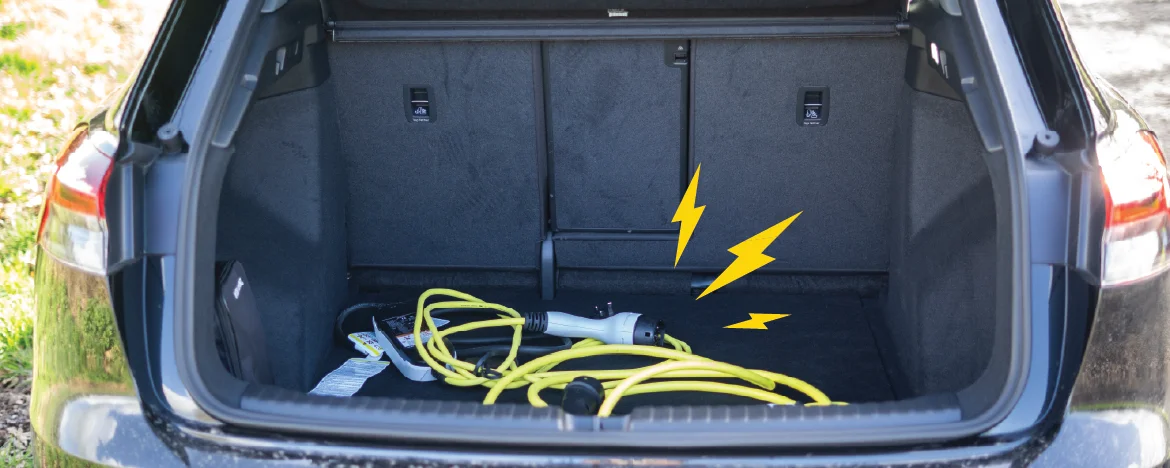
EV charger in boot of car

Range anxiety? There's apps to help

Best free EV charging apps

If you’ve made the switch to electric, these are the two apps worth downloading first. 

Zapmap

UK-wide charging map, live status, pricing per kWh

Zapmap is one of the UK’s most widely used apps for finding and paying for EV charging.

It shows you the live status of chargepoints (whether they’re in use, available or out of service) along with pricing per kWh. Handy filters let you search for exactly what you need, whether that’s a rapid charger for a quick top-up or a specific connector type.

And with Zap-Pay, you can pay for your charge through the app. Just plug in, pay and be on your way.

PlugShare

Community-led, with driver reviews of chargers

Like Zapmap, PlugShare shows you the chargers available nearby. Its real strength is its community: Other drivers review the chargers they’ve used.

That means you can check a charger’s location, how easy it is to find and whether it actually works before you make the detour. It saves you that sinking feeling of arriving at a broken charger.

Our top pick: PlugShare

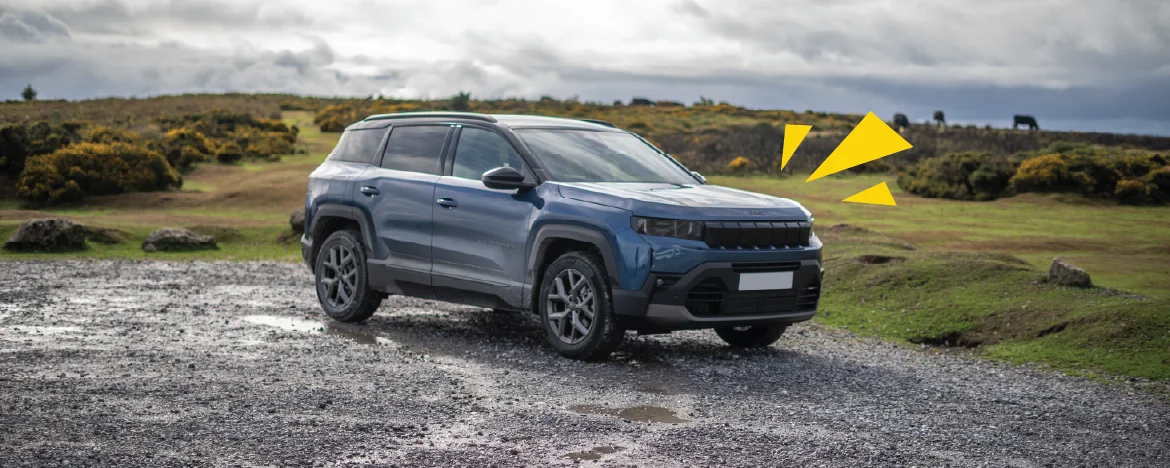
Jeep Compass

Make parking a breeze

Best free parking apps

Circling the block looking for a space wastes time, fuel and charge. These car parking apps help you skip that bit.

JustPark

Book ahead, private driveways, EV charger rental

JustPark gives you access to a huge network of parking spaces, from public car parks to private driveways.

You can book a space ahead of time instead of circling around for ages. That’s especially useful near airports and popular venues, and you can even rent someone’s home charger for your EV.

RingGo

Pay by app, extend your session, used by most UK councils

RingGo is one of the most widely used pay-by-app parking options across UK councils.

You can pay for parking in seconds, rather than hunting for change or hoping the machine takes card. And if you’re running late, many car parks let you extend your session from your phone, so there’s no dash back to the car.

It also keeps a record of your parking history, which is handy if you need to claim expenses from your employer.

The app is free to download, though some locations add a small convenience fee to your parking charge.

YourParkingSpace

Find and book spaces, manage permits, rent out your own space

YourParkingSpace lets you find and book spaces across major UK cities, including at airports, train stations and stadiums. It also keeps your spending and parking permits in one place.

Got a space you don’t use? You can rent it out through the app and earn a bit of extra cash.

Our top pick: JustPark

Best free car maintenance apps

Keeping track of your MOT, servicing and insurance can be a chore. Having a car maintenance app do it for you? Genius.

Vehicle Smart

MOT and tax status, reminders, MOT history

Vehicle Smart pulls official DVLA and DVSA data to show the MOT and tax status of any UK vehicle, along with its MOT history and previous advisories.

You can also set reminders for your MOT, tax, insurance and servicing, so nothing catches you off guard.

On a lease, your road tax is usually included, and a brand-new car won’t need its first MOT until it’s three years old. Still, it’s a handy app to have, especially if you’re keeping tabs on more than one car in your household.

DVSA MOT reminder service

Official, free MOT reminders by text or email

It’s not an app, but it’s still worth a mention. The government’s MOT reminder service will text or email you before your MOT is due, giving you plenty of time to book it in.

Most lease cars won’t need an MOT during your agreement, but it’s worth signing up if your lease runs past your car’s third birthday.

Our top pick: Vehicle Smart

Best free safety and breakdown apps

what3words

Share your exact location in three words

what3words has divided the entire world into three-metre squares and given each one its own three-word address.

Here at Carparison Leasing, we’re ///oath.noise.hers.

They might sound random, but if you need help and don’t know exactly where you are, those three words will help someone find your precise location.

myRAC

Request breakdown assistance, track your patrol, live ETA updates

If you’re an RAC member, the myRAC app lets you request breakdown assistance, track the patrol vehicle on its way to you and get live ETA updates.

You can also store details for multiple vehicles, making it easier to manage your household’s cars in one place.

The app is free to download, but you’ll need RAC breakdown cover to use its breakdown features. Many new cars also come with manufacturer roadside assistance, so check what’s included with yours.

FixMyStreet

Report potholes and road hazards to your local council

We don’t know about you, but there seem to be more potholes than road these days.

While we all do our best to avoid them, sometimes it’s impossible when visibility is low or traffic is heavy, and our tyres take the hit.

If you keep hitting the same potholes, report them through FixMyStreet. It’ll flag the problem with the council responsible for fixing it.

With smoother roads beneath your wheels, the only thing you need to worry about is enjoying the drive.

Our top pick: what3words

Smart-dash-cam

Smart dash cam

The best paid car apps

The free apps cover the essentials, but a few are worth paying for. Most work on a subscription, or offer a free version with a paid upgrade that really earns its keep on longer journeys.

Prices correct as of October 2026.

Best music and podcast apps

Spotify

Music, podcasts and audiobooks, offline downloads, works with CarPlay and Android Auto

Price: Free, or Premium from £12.99 a month (student, Duo and Family plans also available)

Spotify has a free version, but Premium is where it really comes into its own in the car.

It removes the ads, lets you skip as many songs as you like and download playlists and podcasts to listen to offline. That’s ideal when the signal drops out in the depths of the countryside. Premium also includes a monthly allowance of audiobook listening.

Entertain your passengers with their favourite tunes, or put on a podcast to make the miles fly by.

Car-aoke, anyone?

Apple Music

Built into iPhone, hands-free requests through Siri

Price: From £11.99 a month (student and Family plans also available)

If you’re an iPhone user, Apple Music is already on your phone and slots straight into Apple CarPlay.

Its real strength is voice control. Just ask Siri to play a song, album or playlist, and you can keep your hands on the wheel and your eyes on the road.

New subscribers get a one-month free trial, so you can see how you get on before you commit.

Audible

Audiobooks for longer journeys

Price: From £5.99 a month

For long motorway stints, an audiobook can make the time disappear.

Audible gives you access to a huge library of audiobooks, from bestselling thrillers to stories the whole family can enjoy. Download a few before you set off, and you won’t need to rely on signal.

Our top pick: Spotify

Best apps for keeping passengers entertained

Netflix

Download films and series to watch offline

Price: From £7.99 a month (Standard with ads)

It’s a bit of a rogue one, granted. You won’t be catching up on your favourite series while you’re behind the wheel, but hear us out.

If you’re off on a longer journey with kids, having Netflix (or a similar streaming app) on a phone or tablet is a great way to keep them occupied. It works best if they don’t get travel sick.

Screen time can be a tad taboo. But when an overtired passenger in the back is asking “Are we nearly there yet?” for the tenth time, it can be a lifesaver. And a little peace and quiet means you can give the road your full attention.

Depending on your plan, you can download episodes before you set off, so you’re not relying on signal or eating into your data.

Just make sure any screens stay out of the driver’s line of sight.

Disney+

Family favourites to download for the journey

Price: From £5.99 a month (Standard with ads), or £9.99 a month for ad-free with downloads

For younger passengers, Disney+ is hard to beat.

Its family-friendly library gives you plenty to choose from, and on its ad-free plans, you can download content to watch offline.

Our top pick: Disney+

Best dash cam apps

A dedicated dash cam can cost a pretty penny. Dash cam apps turn your phone into one instead, and there’s nothing to fit, so you can take it with you whatever car you’re in.

Most are free to download, but the paid upgrades are worth it. The last thing you want after an incident is an advert popping up while you’re trying to save your footage.

Smart Dash Cam

Auto-recording, loop recording, collision detection (iPhone)

Price: Free, with in-app purchases

Smart Dash Cam by IPCamSoft offers both manual and auto-recording, and loop recording means it keeps filming without eating up all your phone’s storage.

If it detects a collision, it automatically locks the footage so it isn’t recorded over. It can also show the time and your speed on your videos, and you can back up your clips to cloud services such as Google Drive or Dropbox.

The free version comes with ads, and some of the more advanced features are kept for the premium version.

Driver

Front and rear camera recording, cloud backup, works alongside CarPlay (iPhone)

Price: Free, with an optional Premium plan

Driver can record from your phone’s front and rear cameras at the same time, so it can capture the road ahead and what’s happening inside the car. That works on newer iPhones only.

Your footage is automatically backed up to the cloud after each drive, which could be a lifesaver if your phone is damaged in an incident. And if you connect to Apple CarPlay, you can still use your navigation and music apps while it records.

Droid Dashcam

Loop recording, auto-start, impact detection (Android)

Price: Free, with a one-off payment to remove ads

For Android users, Droid Dashcam is a simple, no-faff option.

It starts recording automatically when you plug your phone into a charger, and its G-sensor locks your footage if it detects a sudden impact or jolt. It can also add the time, location and your speed to your videos.

Is it legal to use your phone as a dash cam?

Yes, as long as your phone is securely mounted, doesn’t block your view of the road and you don’t touch it once you’ve set off. Treat it the same way you would a sat nav: Set it up, start recording, and leave it alone until you’ve safely stopped.

It’s worth using a mount that charges your phone too, as dash cam apps can drain your battery surprisingly quickly.

Our top pick: Smart Dash Cam

Premium upgrades worth paying for

Zapmap Premium

Ad-free, CarPlay and Android Auto, charging discounts, extra filters

Price: £3.49 a month, or £29.99 a year (7-day free trial on the annual plan through the App Store or Google Play)

We’ve already recommended the free version of Zapmap, but if you drive electric regularly, Premium is worth a look.

It removes the ads and adds full Apple CarPlay and Android Auto integration, so you can find chargers straight from your dashboard.

You also get 5% off charging sessions you pay for through the app, on up to 50kWh a month, and the annual plan comes with a free Zapmap charging card.

Premium unlocks extra filters too, including user ratings and newly installed chargers. You also get unlimited saved routes, plus the option to manage more than one EV, which is handy if there’s more than one electric car in your household.

Our top pick: Zapmap Premium

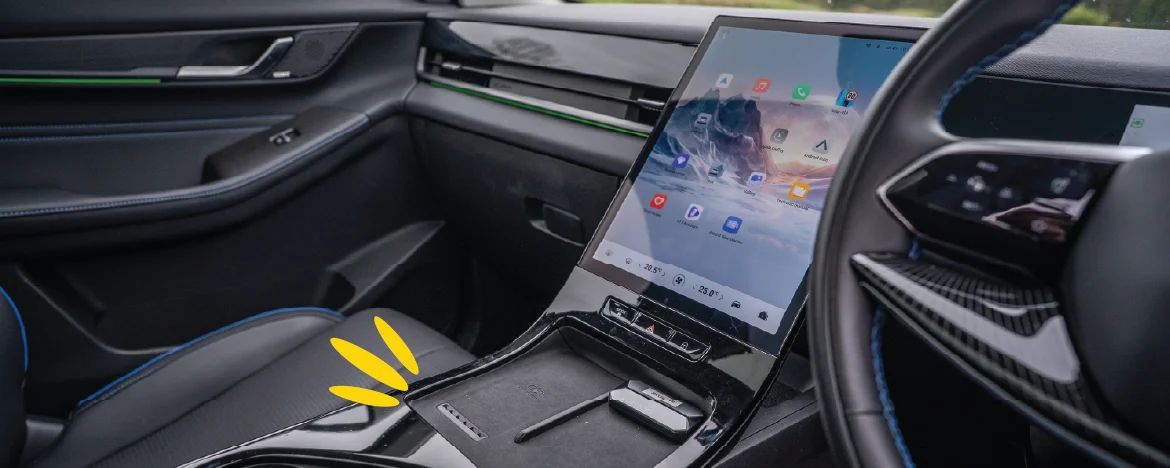
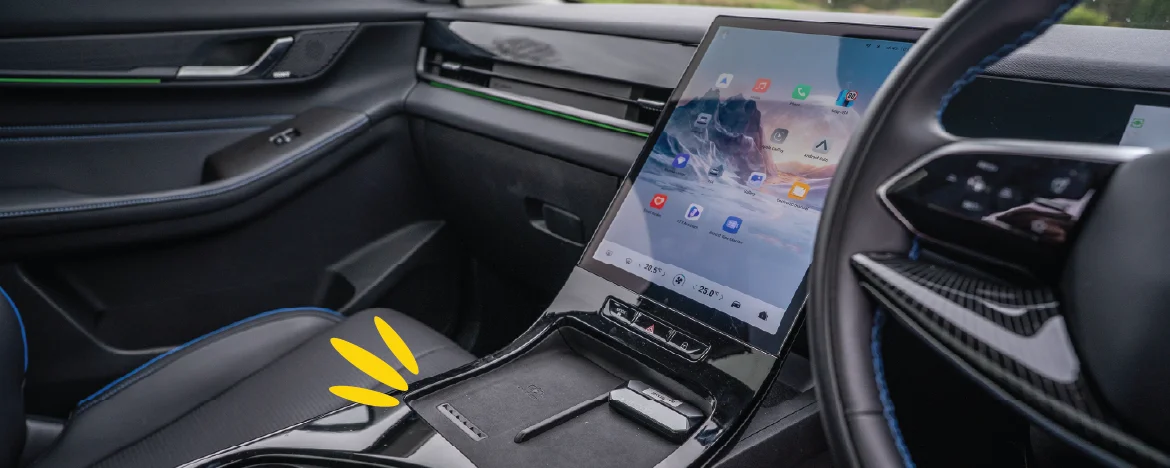
BYD SEAL 6 interior

Some cars come with their own apps

Don’t forget your car’s own app

Before you fill your phone with downloads, check what your car already offers.

Most manufacturers now have their own app, and whether you’re driving a Volvo, Kia, BMW or Tesla, it could be one of the most useful apps you have.

Features vary by brand and model, but they often let you:

  • Check your fuel level, range or charge from wherever you are
  • Heat or cool the cabin before you get in, so you’re never scraping ice off the windscreen on a frosty morning
  • Lock or unlock your car remotely
  • Set charging schedules to make the most of cheaper off-peak electricity
  • Find where you’ve parked

That last one’s a lifesaver for anyone who has ever spent far too long wandering a multi-storey car park, trying to remember which level they left the car on.

Some manufacturer apps are completely free, while others include connected services for a set period before moving to a paid subscription.

It’s worth checking what’s included with your car when it’s delivered.

Leasing your car?

Set up the app when your car arrives so you can make the most of it from day one.

And when your lease comes to an end, remember to remove the car from your account and clear your personal data from the infotainment system before it’s collected.

For more on what to expect, take a look at our guide for what happens at the end of a car lease.

How to use car apps safely with Apple CarPlay and Android Auto

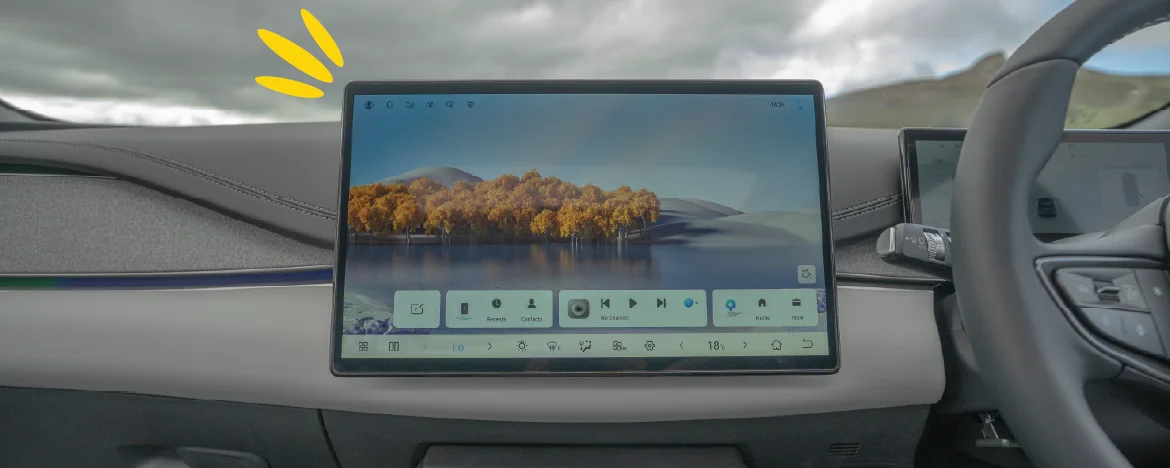
Apple CarPlay and Android Auto bring compatible apps from your phone onto your car’s touchscreen.

They come with bigger icons, simpler layouts and voice control, so you can use navigation, music and messages without picking up your phone.

Most new cars now come with one or both as standard, and plenty connect wirelessly too. Find out which cars support wireless Apple CarPlay.

Not every app will appear on your dashboard, though.

Both systems only support certain types of app, such as navigation, audio, messaging, parking and EV charging. That’s why you won’t find Netflix on your car’s infotainment, however long the traffic jam.

How to add apps to Apple CarPlay

Any compatible app on your iPhone will appear on your car’s screen automatically once you’re connected. To reorder or hide apps:

  • Open Settings on your iPhone
  • Tap General, then CarPlay
  • Select your car
  • Tap Customise, then rearrange or remove apps

How to add apps to Android Auto

Compatible apps on your phone also appear automatically once you’re connected.

To choose which ones show up and in what order, open the Android Auto settings on your phone and look for Customise launcher.

Where you’ll find the Android Auto settings varies from phone to phone.

Staying on the right side of the law

It’s illegal to hold and use your phone while driving, and that includes when you’re stopped at traffic lights or queuing in traffic.

Get caught and you could face six penalty points and a £200 fine. If you passed your test within the last two years, that’s enough to lose your licence.

Using your phone hands-free through CarPlay or Android Auto is allowed. But you can still be stopped by the police if you’re distracted and not in proper control of your car.

A few simple habits make all the difference:

  • Set your route and playlist before you set off
  • Use voice commands through Siri or Google Assistant
  • Hand your phone to a passenger if something needs sorting
  • Pull over somewhere safe if you need to do more than a quick voice command

Making every journey a little easier

So there we have it: Our pick of the best car apps to make driving that bit easier (and maybe a tad less monotonous).

The free apps cover the essentials, from beating the traffic to finding a parking space. The paid ones earn their keep on longer journeys, especially with passengers in the back. And your car’s own app might just be the handiest of the lot.

So, what will you download first?

Want the latest cars with the latest tech?

Alice Poole

Alice Poole

Alice applies her extensive test drive experience and her passion for motors to bring you informed and characterful articles and vehicle reviews.